Approval and applicability
Ask for the provider-specific EPA approval letter. Check your jurisdiction, permit, and intended use before relying on a qualification pathway.
Check a virtual smoke school’s approval, test procedure, equipment requirements, and support. Ask to see how students complete certification and how your organization manages the records afterward.
Use the provider checklist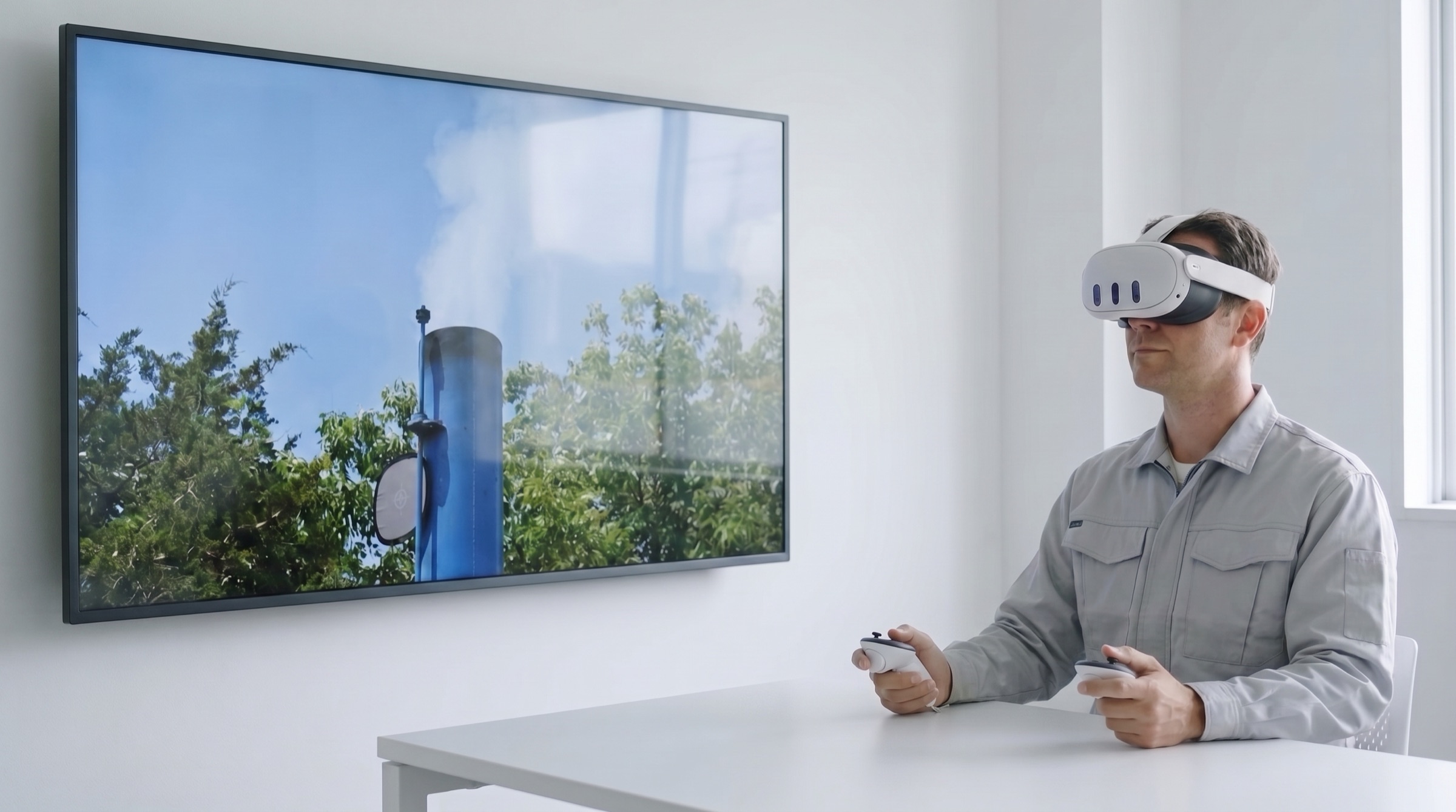
Ask for the provider-specific EPA approval letter. Check your jurisdiction, permit, and intended use before relying on a qualification pathway.
Ask how lecture, practice, and the official qualification attempt differ. Request a demonstration of the real student workflow.
Confirm supported headsets, browser/WebXR requirements, controllers, internet, and setup instructions. Avoid assuming that any VR headset works.
Ask how results, certificates, expiration dates, and student histories are recorded and made available to authorized contacts.
Compare subscription charges, test access or tokens, equipment, and operational costs. Ask what is included and what happens after an unsuccessful attempt.
Ask who helps students, how technical issues are recorded, and what session recovery allows. Request the written policy so you know which retests and recovery options are available.
Regulatory references: EPA approved alternative test methods and the provider-specific approval being evaluated.
Look at what happens before the test and after the result. Opacity Vision connects student preparation, certification access, and the records your team needs to manage the program.
Keep lecture requirements, test eligibility, and certification history connected to the student’s account. Students can see what they need to complete before an official attempt.
See certification status and upcoming renewals, then follow the record to the right facility or observer. Company administrators and assigned contacts work from the same program records.
Keep both certification paths connected to each student. You can manage a mixed program without separating its history into unrelated lists.
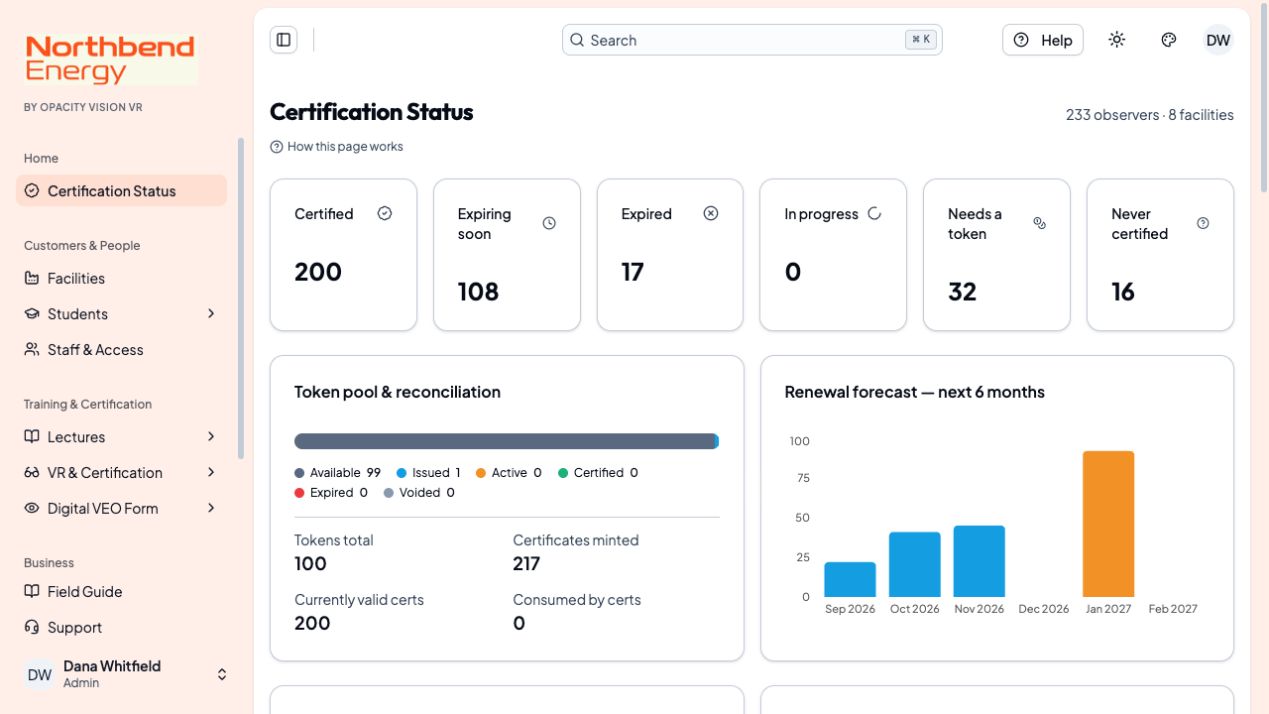
Use your own branding and student portal while managing customers and their records in Opacity Vision. Independent students without a provider affiliation also have a direct portal.
Explore the management tools →Start with the approval, then check applicability, the test procedure, equipment, records, costs, and support for your use case.
Yes. Ask to see student preparation, the path to an official attempt, and the records available to authorized coordinators.
No. Choose among the available account options based on your program’s size and the features you need.
Read the provider-specific authorization. Open the guide →
Use the existing cost guide. Open the guide →
Explore students, facilities, and records. Open the guide →